
Hipobuy Finds: Find the Product, Keep the Evidence
Start with the product you need, not the number of links in a list. Each category opens the corresponding external catalog.
On this page
Browse the external catalogSearch by product family firstWhat to capture for each kind of findShortlist by unresolved questionUse search terms that describe a product decisionCategory selection depends on the evidence neededBrowse the external catalog
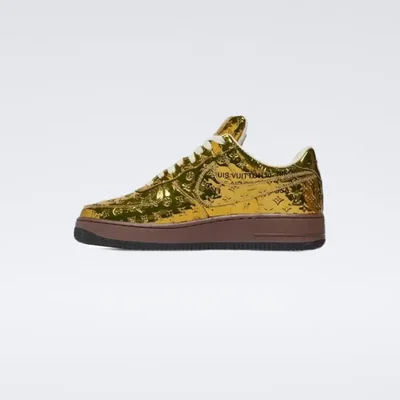
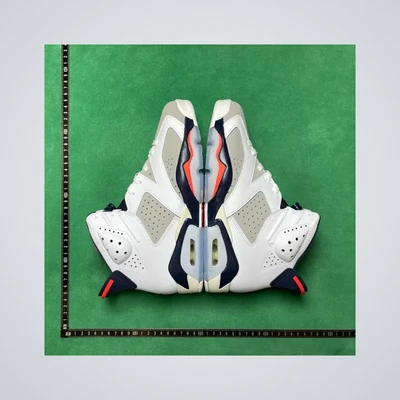
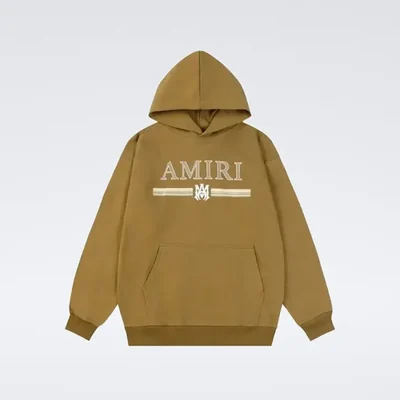
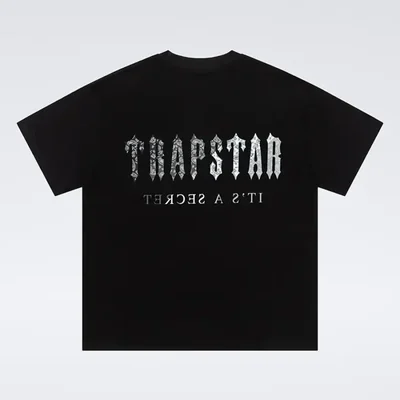
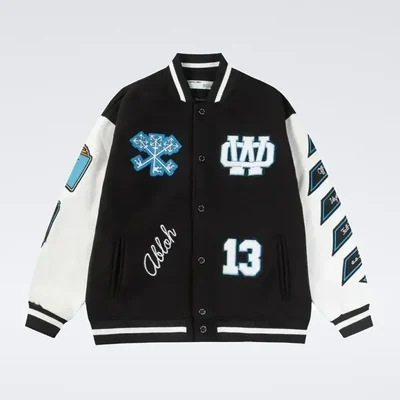
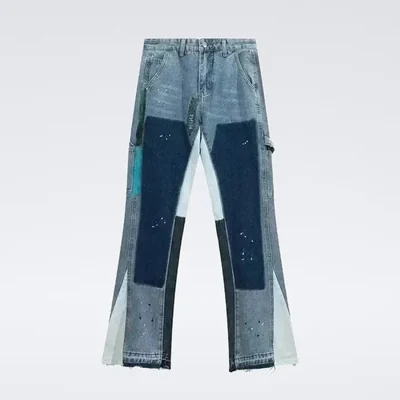
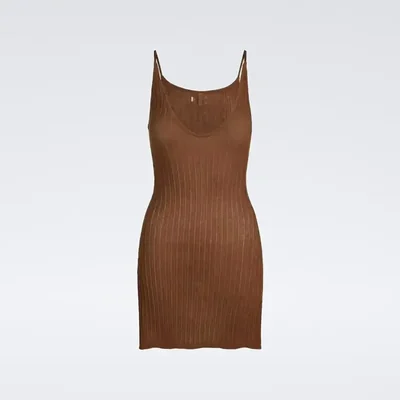
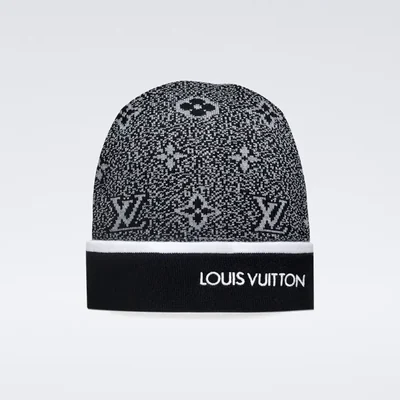
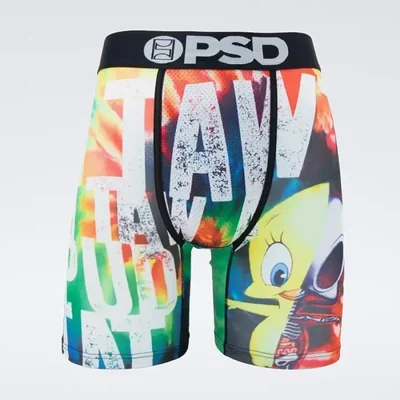
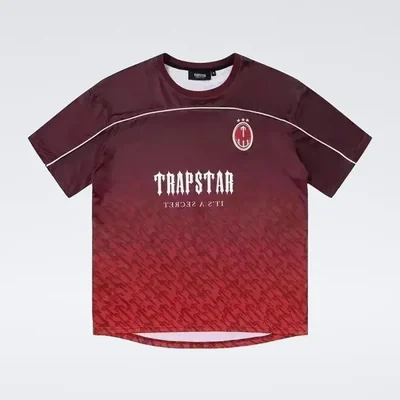
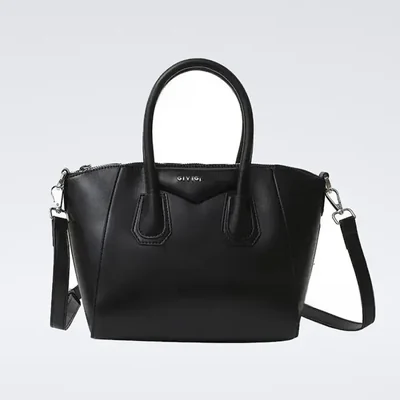
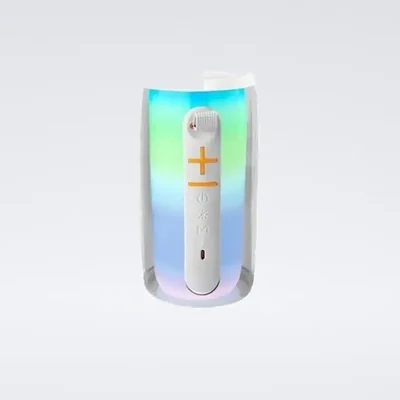
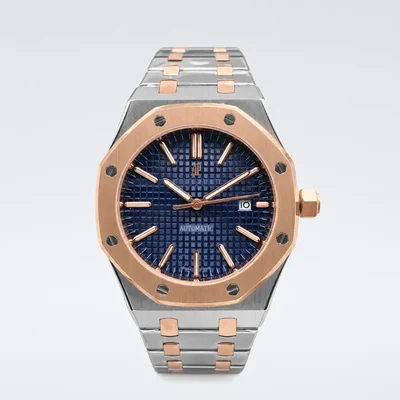
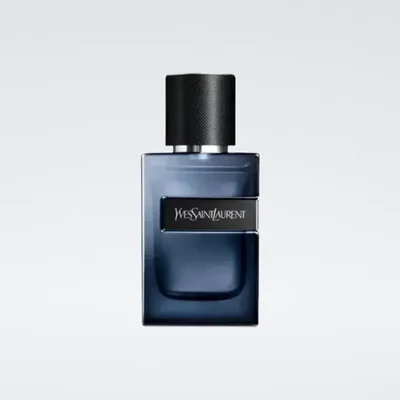
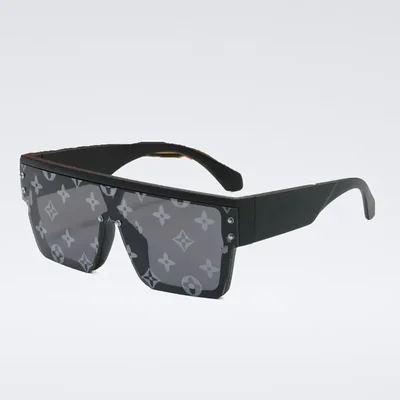
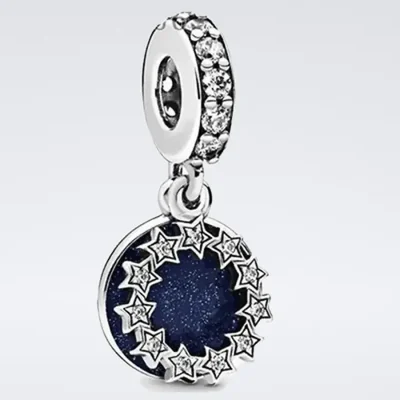
Search by product family first
Search a recognizable product description, model or category. If a broad search produces similar-looking listings, record the source identity before narrowing by price. A cheap listing with an unclear option is not directly comparable to a listing with a known specification. Keep both candidates until you have enough information to decide.
What to capture for each kind of find
| Category group | Record before ordering |
|---|---|
| Shoes | Exact size system, color code, measured insole if available |
| Shoes QC | Photo source, actual size, measurement method |
| Hoodies and T-shirts | Chest width, body length, fabric description |
| Jackets | Outer material, lining, fit and packed size if known |
| Pants and shorts | Waist measurement method, rise, inseam |
| Bags and belts | Dimensions, strap length, attachment details |
| Watches, glasses and accessories | Model or dimensions, materials, functions |
| Electronics | Compatibility, voltage and shipping eligibility |
| Perfume | Volume, ingredient or transport restrictions |
For any goods subject to shipping restrictions, check the agent’s current rules before paying. The existence of a catalog category does not establish that a product can be shipped to your destination.
Shortlist by unresolved question
Rather than keeping ten nearly identical photos, keep a few candidates with a clear reason for each. One may have a useful size chart; another may have recent warehouse evidence; a third may provide a different material or price. Mark a missing field as unknown. Use the variant comparison to compare two records with exact option labels, then open the external catalog to continue searching.
Use search terms that describe a product decision
| Search goal | Useful query refinement | Evidence to retain |
|---|---|---|
| Everyday footwear | Low-top, wide fit or insole length | Size system and measured length |
| Layering jacket | Shell, lined or insulated | Chest width and body length |
| Small day bag | Crossbody, strap length or dimensions | Bag dimensions and closure |
| Compatible accessory | Exact device model or connector | Compatibility and material |
These are search examples, not a claim that these products are currently listed. If the external catalog has no matching result, broaden one descriptive term at a time. Do not substitute a superficially similar product for the original without checking the specific requirement.
Category selection depends on the evidence needed
| Product family | Check before shortlisting |
|---|---|
| Shoes and Shoes QC | Exact size and measurement reference |
| Clothing and jerseys | Actual garment dimensions and selected size |
| Bags and headwear | Dimensions and configuration |
| Electronics and watches | Exact model, accessories and transport restrictions |
| Fragrance | Contents, packaging and destination eligibility |
Category cards open the external catalog; they do not establish that every item can be ordered through Hipobuy. Verify transport eligibility before buying. Category images illustrate navigation, not products guaranteed to be available.
Frequently asked questions
Does a find mean an item is available?
No. It is a discovery reference. Confirm the actual option and price before ordering.
Can I browse by category without an account?
The public external catalog is linked here; individual site requirements may vary.
Are the QC photos for every listing?
No. A QC reference is useful only when its relationship to the listing and variant is established.
Related resources
Hipobuy Batch Link Audit
Import up to 150 product links, identify supported listing IDs, review repeated references and export a local shopping evidence list.
Hipobuy Product Variants: Record the Exact Color and Size
Learn how to preserve exact seller option labels, handle missing size charts and avoid confusing repeated listing IDs with duplicate purchases.
Hipobuy QC: Match Warehouse Photos to the Right Product
Review QC photos against the intended product reference and option, interpret measurements carefully and record unresolved evidence.